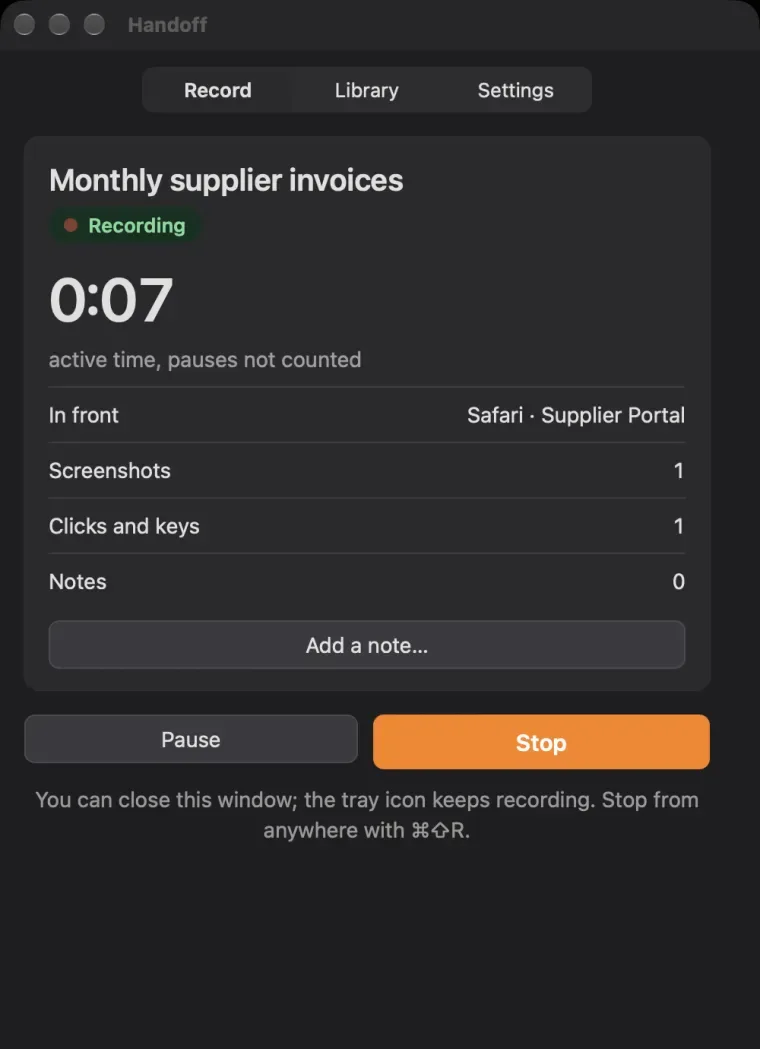
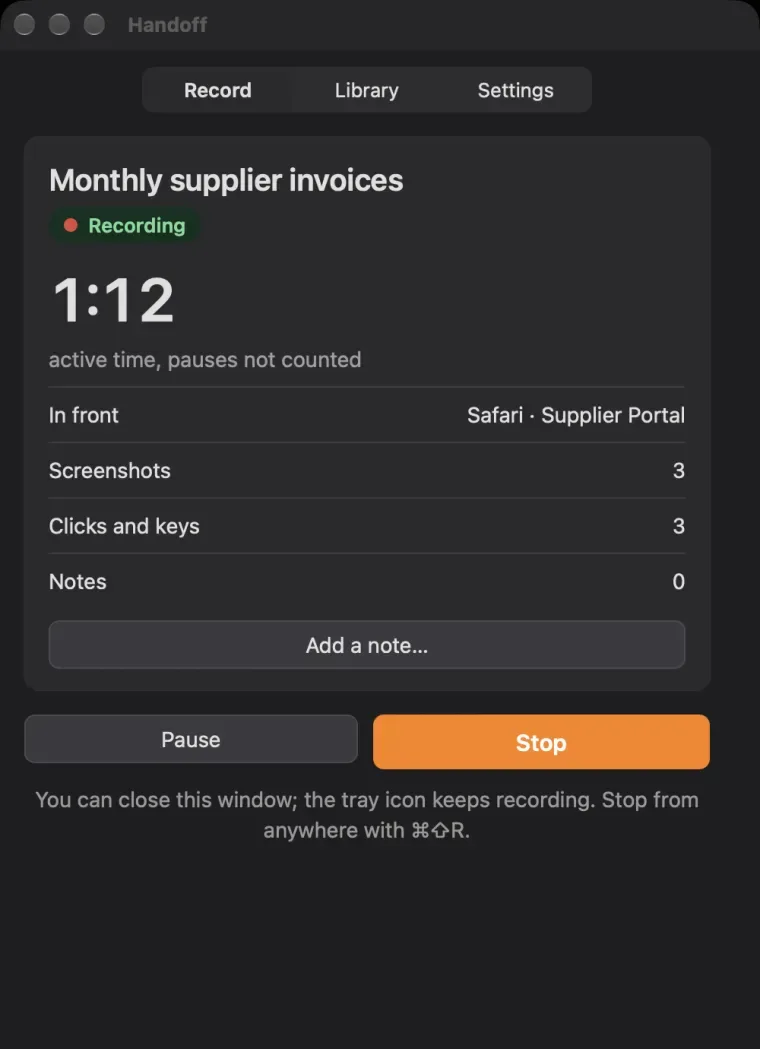
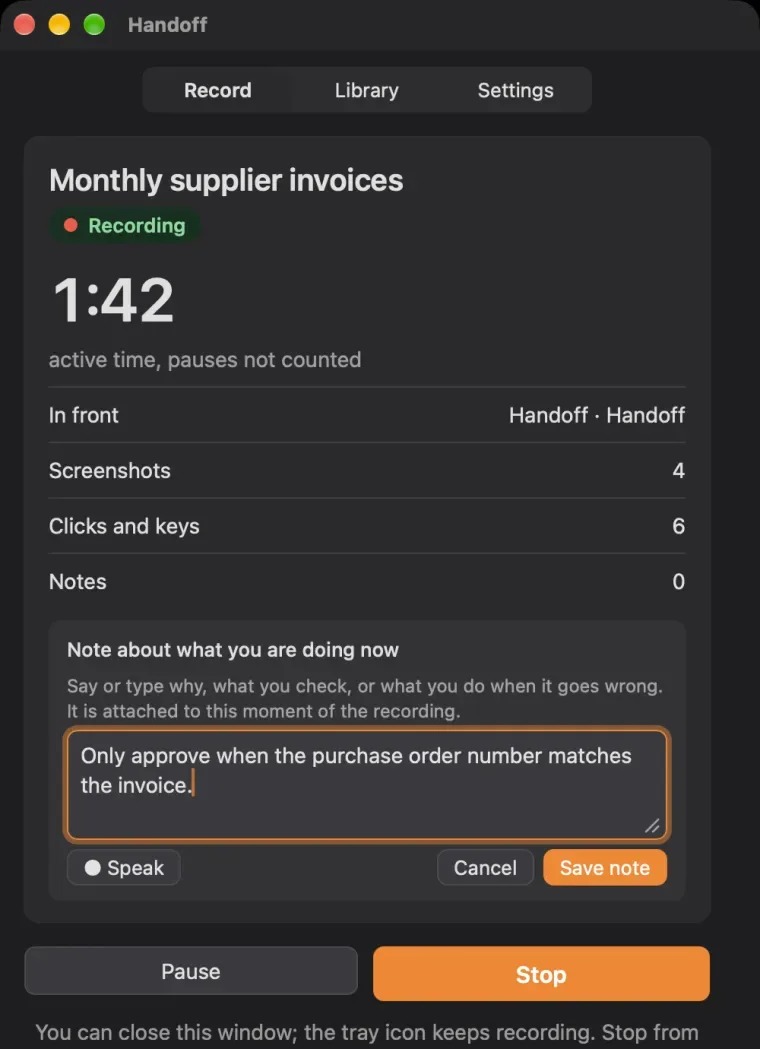
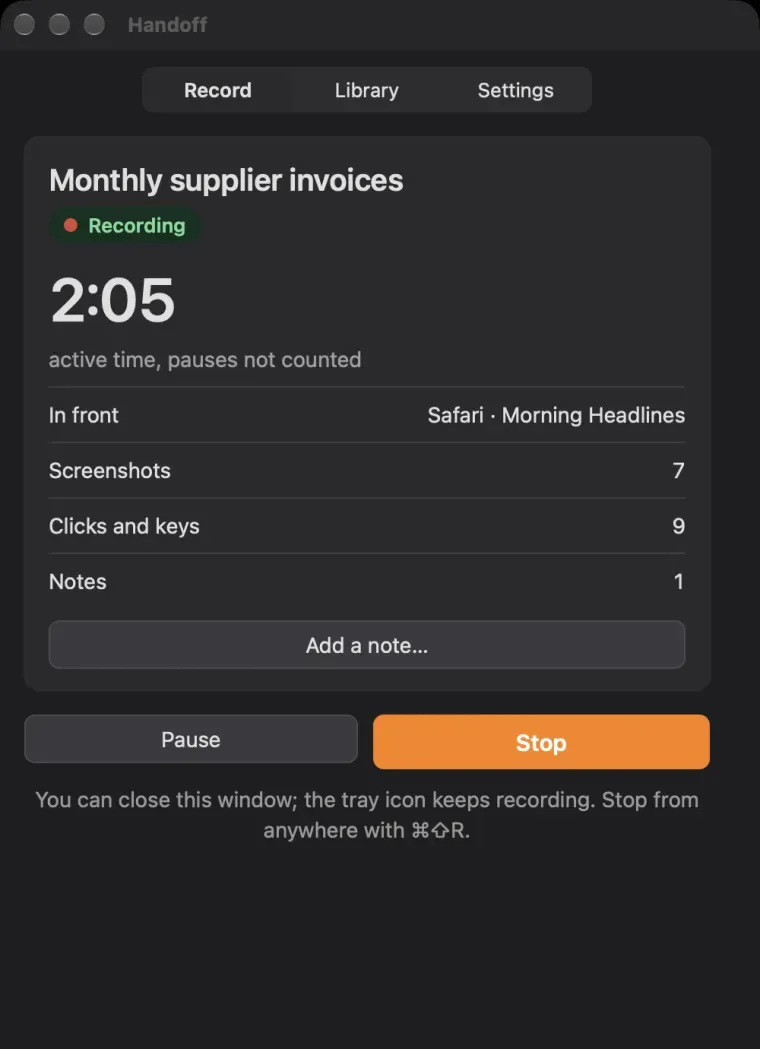
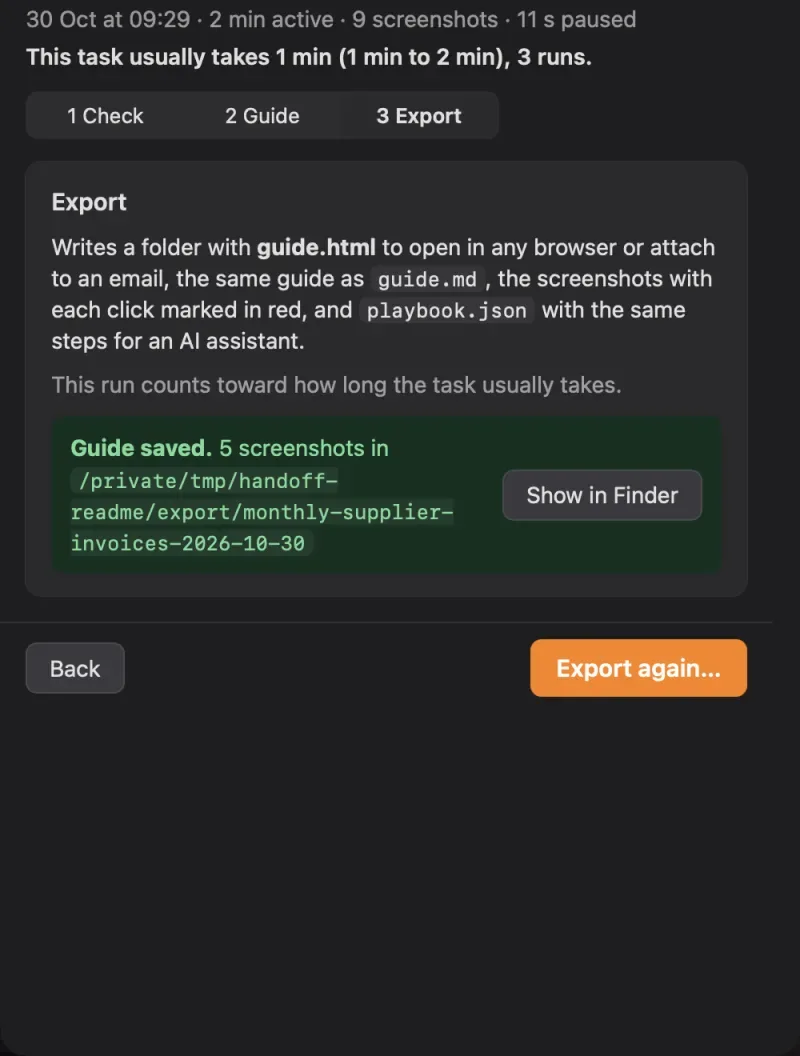
What is it for? Documenting how a process is really done on a computer: standard operating procedures, training and onboarding material, audit evidence, the steps to automate, and handovers when someone moves on.
Is it really free? Yes. Handoff is free and open source under the MIT licence, made by LikeClockwork. There is no account, no trial and no paid version.
What does it run on? macOS 12 or later on Apple silicon and Intel Macs, signed and notarised by Apple. The Windows 10 and 11 and Linux versions are previews: built and tested automatically, not yet tried by hand.
Does anything leave my computer? No. Recordings, notes and guides stay on it. Handoff connects only to download a model you ask for, and Offline mode stops even that. The privacy page lists every connection.
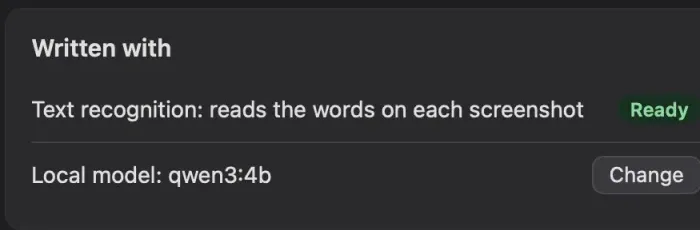
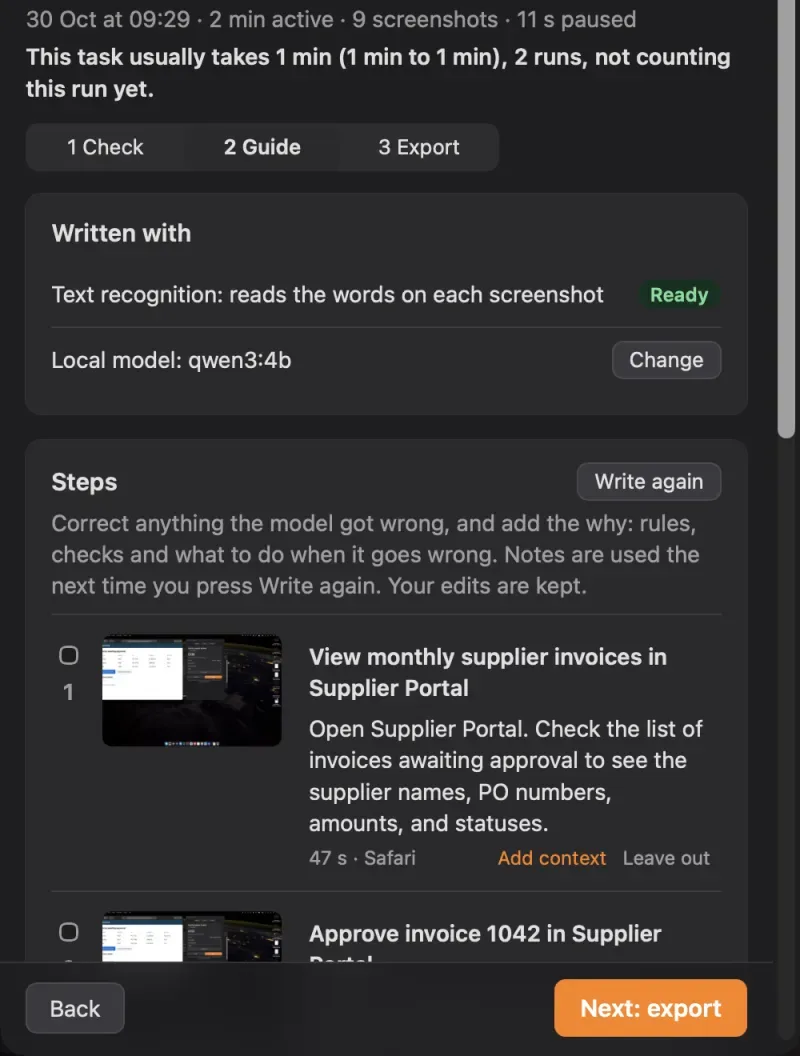
What writes the documentation? A language model on your own computer: Apple’s on-device model on macOS 26 with Apple Intelligence, or one you install with Ollama, which Handoff suggests for your computer’s memory. Without one you still get the steps and screenshots, with plain names to edit.
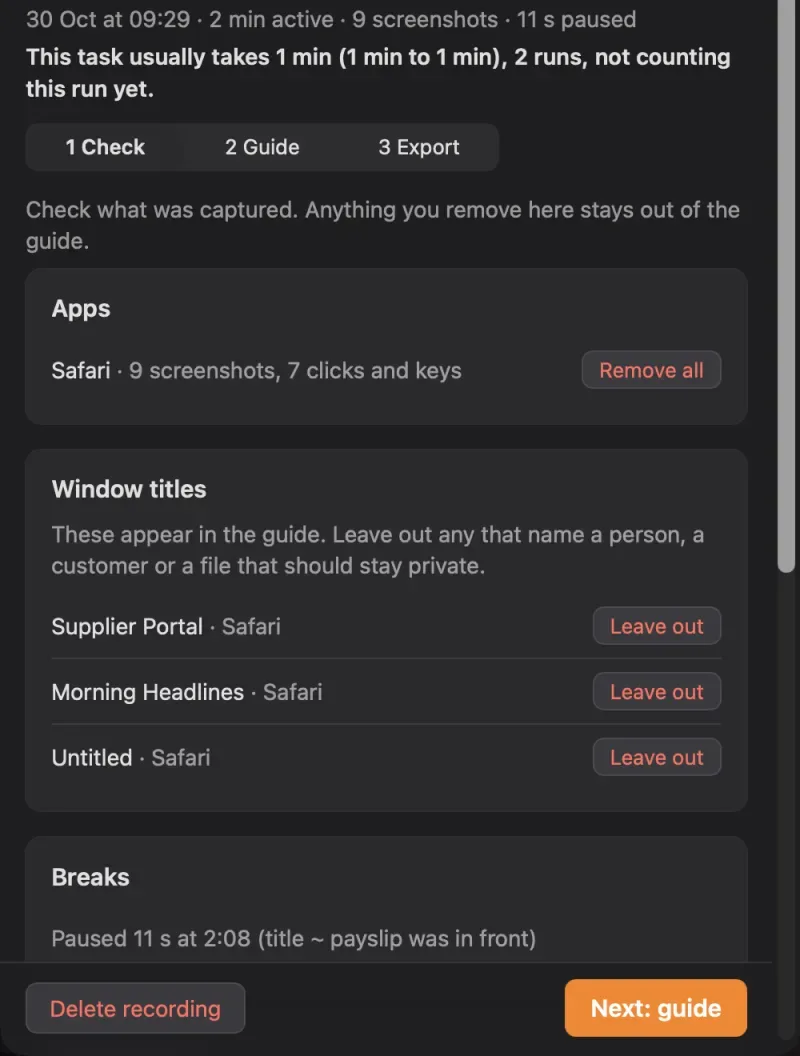
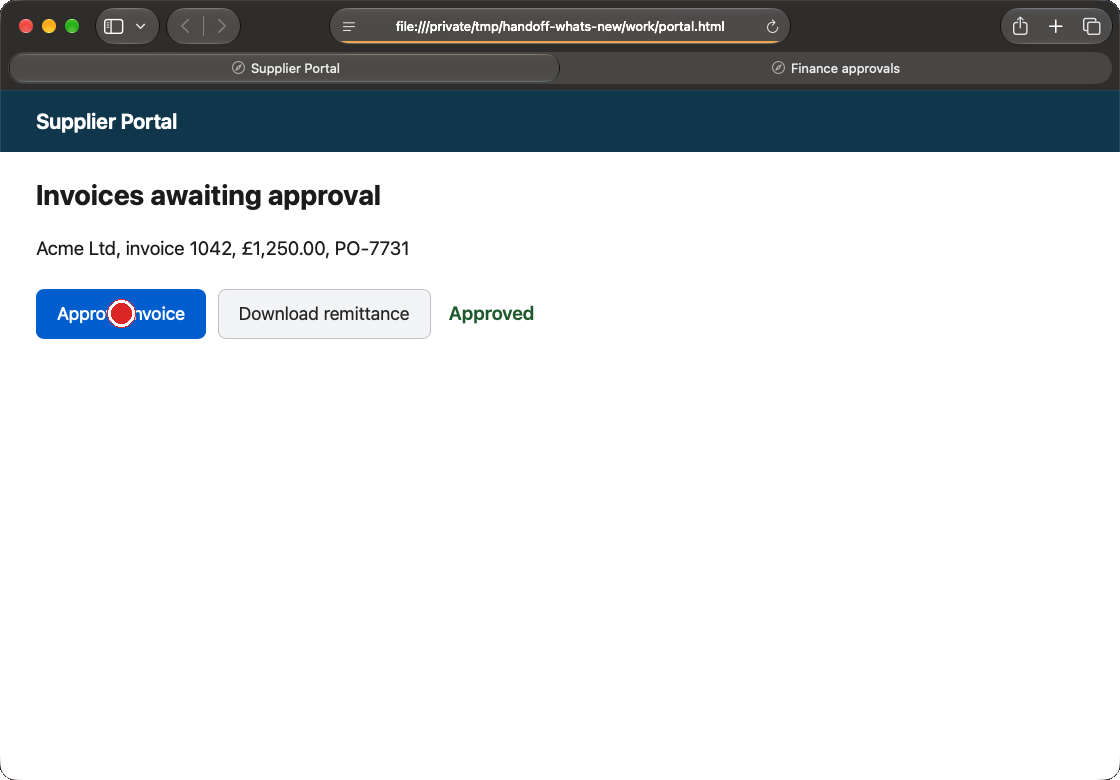
Which apps can it record? Any app or website. Handoff takes a screenshot of the window you work in and notes what you click. What you type is recorded only if you turn that on.
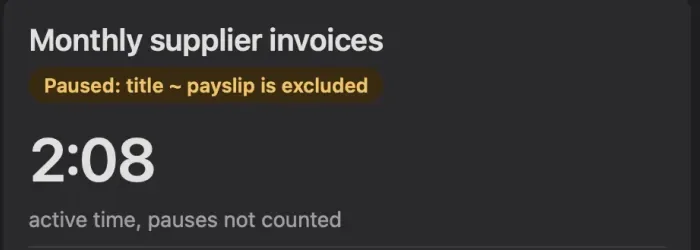
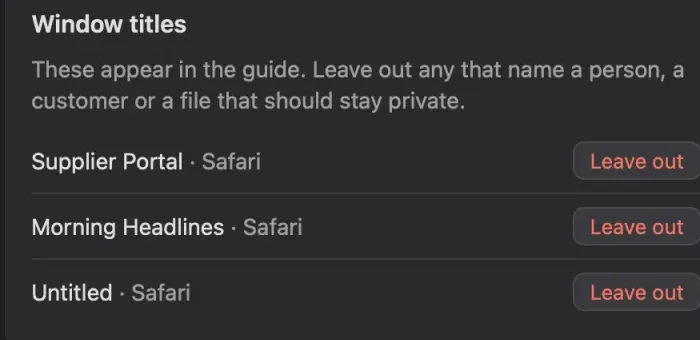
Will it record my passwords? No. Password fields are never recorded, the apps you list are never recorded, and email addresses, card numbers, phone numbers and codes are blurred or replaced. You check everything before export.
Can I change what it wrote? Yes: every step’s title and text, its notes and whether it is in at all. Your edits survive writing it again.
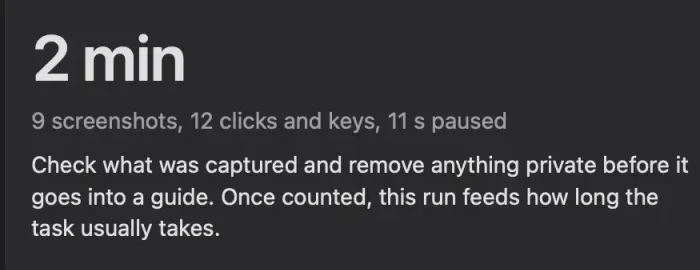
How long does it take? Recording takes as long as the process. Then you check it, press Write guide, and correct what needs it.
Does it update itself? Not yet. New versions appear on this page; automatic updates are planned.
Something went wrong. Who do I tell? Settings, Problems, Report a problem shows exactly what will be sent before your email app opens. Or write to james@likeclockwork.org.